I Built an AI Keyboard That Replaces Your Home Screen
How we engineered a Zero-Exit Android keyboard with native Jetpack Compose that puts multi-LLM AI prompts, 1-tap app switching, real-time typing translations, and private notes directly beneath every conversation.
- The 45-Minute Problem: The average smartphone user unlocks their phone 80–120 times a day and loses 45 to 80 minutes jumping between ChatGPT, translation apps, notes, and launchers.
- The Solution: AiKey turns the Android keyboard into an omnipresent operating layer. You never have to leave your WhatsApp, Gmail, LinkedIn, or Slack text box.
- 100% Privacy Moat: Built strictly with on-device zero-keystroke logging. Direct BYOK (Bring Your Own Key) connections to Gemini, GPT-4o, and DeepSeek with zero intermediary man-in-the-middle servers.
01 Why Did I Build This Keyboard?
We have all experienced this repetitive loop: You are replying to a client or writing an email. You need to rephrase a sentence professionally, so you copy the text, exit the app, open ChatGPT, paste it, wait for the response, copy it again, open recent apps, switch back, and paste.
That whole cycle takes 20 to 30 seconds for a single sentence. Repeat that 50 times throughout your workday, and you have lost nearly an hour just in context switching tax.
I realized the keyboard is already open whenever you want to think, communicate, or search. What if the keyboard itself could think, translate, search, and launch apps? That vision became AiKey.
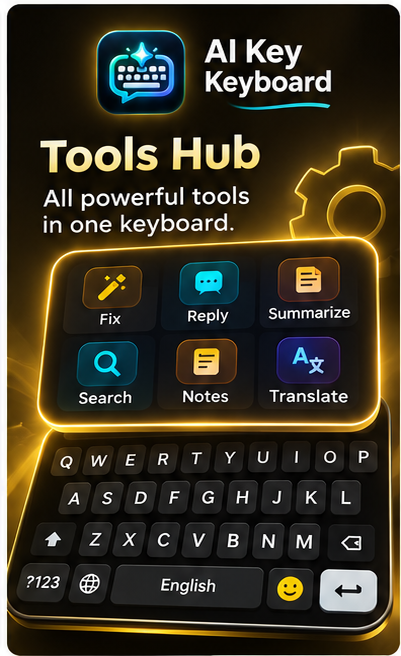
Tools Hub: All Powerful Tools in One Place
Instead of bloating the keyboard with messy buttons, AiKey features an expandable Tools Hub accessible in a single tap.
Translate While Typing: Chat Across Any Language
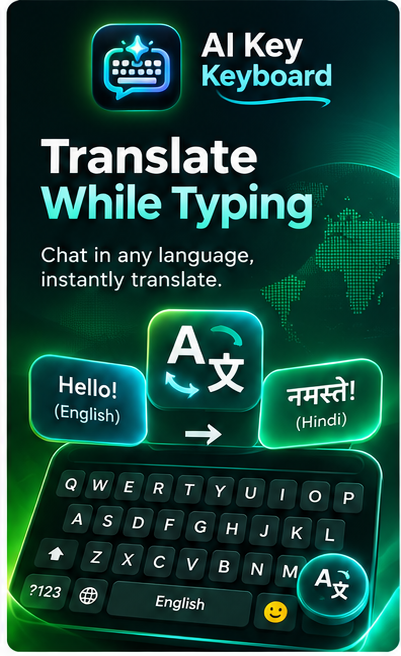
Ever wanted to message someone in Hindi, Spanish, French, or Japanese without switching back and forth to Google Translate?
With AiKey's live translation layer, you type naturally in English (e.g. "Hello!") and the keyboard immediately renders translated output (e.g. "नमस्ते!") right in your active input view. Both languages stay synchronized with 1-tap swap.
- Supports 50+ Global & Indic languages
- Zero copy-paste required
- Real-time preview before sending
AI Chat Right on Keyboard: Universal Assistant
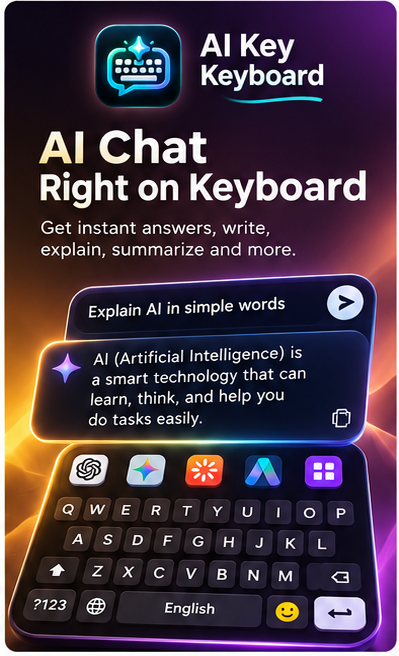
Prompt any frontier LLM without leaving your app. Ask complex questions like "Explain AI in simple words" or "Draft a polite reschedule email" and the answer pops up directly over the keyboard.
Tap Insert to inject the answer directly into your chat, or tap Copy. You can switch between Gemini, GPT-4o, Groq, and DeepSeek with one tap right on the top bar!
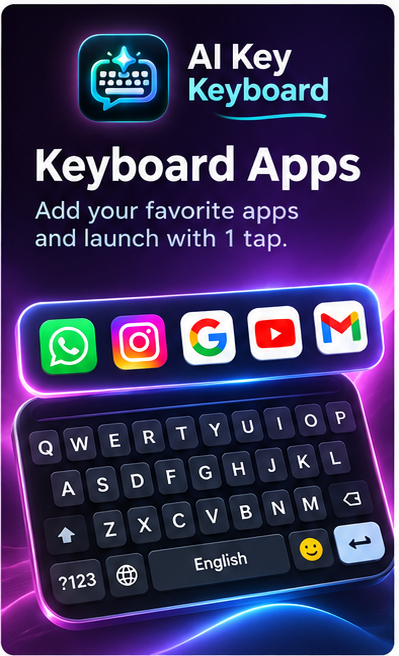
Keyboard Apps: The 1-Tap Floating App Dock
Why go back to your launcher or home screen every time you want to open WhatsApp, Instagram, Google, YouTube, or Gmail?
AiKey introduces a dedicated Keyboard Apps Bar right above your top row of letters. Add your favorite tools and launch them instantly with a single touch. It turns your keyboard into a mini operating dock!
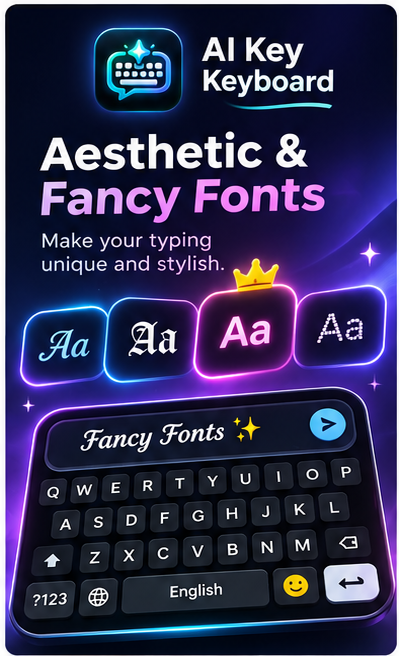
Aesthetic & Fancy Fonts: Style Without Clutter
Most font apps are riddled with intrusive pop-up ads, sketchy permissions, and battery drain. AiKey integrates native Unicode stylish typography directly on the keyboard ribbon.
Switch between 𝔉𝔯𝔞𝔨𝔱𝔲𝔯, 𝓢𝓬𝓻𝓲𝓹𝓽, Ⓒⓘⓡⓒⓛⓔ, and Bold Aesthetic styles instantly. Works everywhere on Instagram, WhatsApp bios, Telegram, and Discord without requiring special fonts on the recipient's phone.
Customize Your Typing: Multiple Beautiful Themes
Most default keyboards give you boring white or gray keys. In AiKey, we built a comprehensive visual theme studio that pairs deep AMOLED blacks with electric cyber neon accents, warm ember glows, and clean minimalist layouts.


Why I Finally Deleted Gboard After 7 Years: The Zero-Exit Revolution
Ready to Replace Your Home Screen Friction?
Download AiKey on your Android device and save 45 to 80 minutes every single day.